Copilot is a great resource to help create a Dockerfile necessary to compile a (Docker) Container image. Containers are simple packages that contain at least the minimal information to run a software within a different OS and/or architecture. Container software include Docker which helped popularize the container methods, but others exist such as apptainer and podman.
The text-based recipe file usually called Dockerfile can be simple, but usually it is not and the casual user has to struggle to know which Linux libraries are needed, or tools such as compilation tools and other ancillary software.
Working on 3D molecular structure of proteins often requires to align them in 3D space. Molecular programs like PyMOL and ChimeraX have built-in methods that depend on amino acid sequence, but more interestingly some methods that only depend on the 3D structure which is particularly useful when structure is conserved by not sequence.
There are other software, and this week I was interested in “Reseek is a protein structure search and alignment algorithm which improves sensitivity in protein homolog detection compared to state-of-the-art methods.” On Github the source code is available as well as precompiled binaries for Linux, macOS, and Windows, but only for the X86 i.e. Intel or AMD chip types. Allegedly these binaries do not require external libraries to run natively.
When I tried to run the macOS version on my Intel-based Mac Mini the binary failed and complained about missing libraries. This is when I decided to install this software within a container. To make it perhaps more reproducible I decided to install within the container from source. It took only a few attempts with the help of Copilot to build a Container Image that worked on that Intel Mac, and is available on Docker Hub in jysgro/reseek.
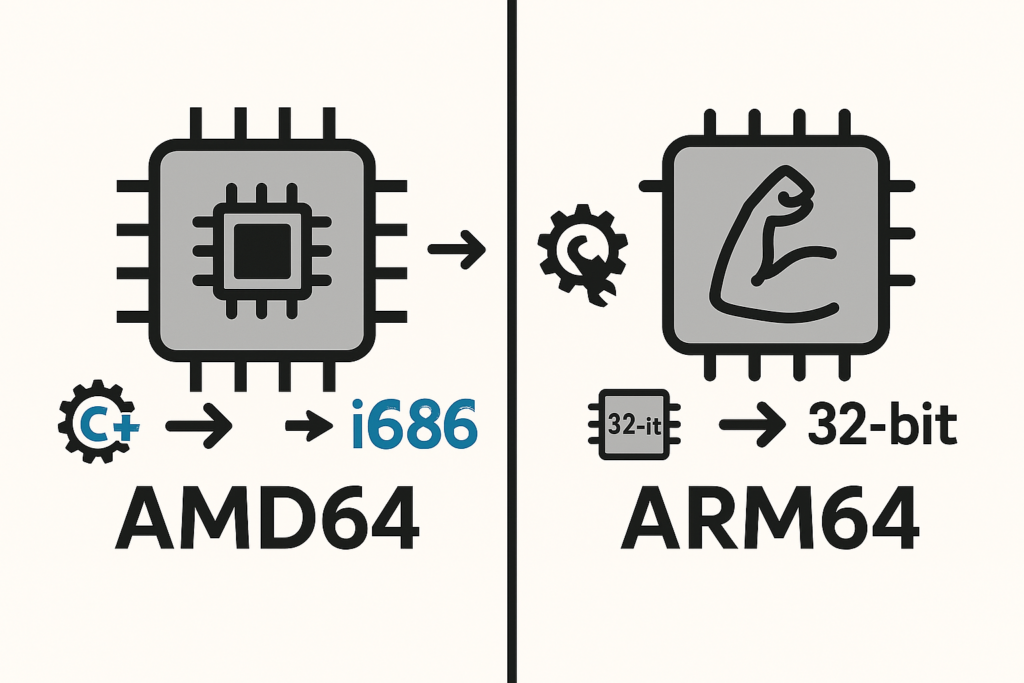
Since I work most often on a Silicon Chip Mac (also know as M series, M1, M1Pro…M4 etc.) I thought I’d make an ARM version. And this is when it got complicated. But after a lot of effort something worked, albeit not exactly as I thought.
I started at home at 8:30pm and had to take a sleep break at 3:00 am… I almost gave up but one more hour during breakfast allowed a working container! Persistence sometimes pays, but in this case it was only a 1/2 victory for the reasons below.
- It became clear rather early that the C++ code is hardware dependent as it makes requests to the chip architecture. A hardware resource file
immintrin.h(.hmeans hardware info) was not found. - Copilot suggested that we could use SIMDe to mimic the hardware requirement. Gemini gave me this definition:
- SIMDe (SIMD Everywhere) is a header-only, open-source compatibility library that allows code written using x86-specific SIMD (Single Instruction, Multiple Data) intrinsics (like SSE, SSE2, AVX, etc.) to be compiled and run on different processor architectures, including the Apple M1 chip.
- To make this happen we used the
sedcommand to edit the source file within the Dockerfile. This was not going well for many iterations because some substitutions fixed a problem but created others. For example creating variables with_8_8twice rather than just_8for example. - At around 1am, finally the compilation finished! Success???
- It turns out that the newly created binary causes a “Type *4” error that let Copilot guess that the code is in fact 32 bit. sSince we are working in Ubuntu 22:04 as a 64 bit system the method has to cross-compile for 32 bit with additional libraries.
- This was more effort, but in the end we finally got another binary. However, this one caused an error:
Exec format error. - Copilot suggested that this was also an architecture error. Until then I thought that we were converting X86 to ARM code thanks to SIMDe! But this method only allows the compilation on the ARM chip but keeps its AMD architecture!
- Copilot then suggested to use the chip emulator
qemu-i386internally within the container, which meant to install this software within the container, making it twice as large. - To run the software would then require to use the command
qemu-i386 /opt/reseek/bin/reseekrather than simplyreseekwhich is cumbersome. To address this Copilot helped create a 2-line “wrapper” so that the command remains the same.
One more complication to compile the code was that the compilation was controlled by a python3 VSCode project file that was created on the fly, and dependent on github “commit” code. It was possible to disentangle this to be able to provide the changes from simply g++ to i686-linux-gnu-g++ to allow cross-compilation with the 32 bit libraries!
In conclusion, while I was able to compile “within an ARM framework” the final version was still an AMD typed binary that requires an emulator. It would have been simpler to use the 1rst container made for AMD chip since the built-in emulators on the macOS (Qemu and/or Rosetta2) can handle these in most cases.
Copilot was helpful in accomplishing this, but at the same time it was not as useful as I thought.
However, I plan to use this reseek software to align PDB files in 3D and also obtain a text-based alignment.
Some commands work: reseek -extract.
But some don’t: reseek -alignpair with error:
“dss.cpp(212) assert failed: ScaledValue >= 0 && ScaledValue <= 1“
So it’s back to the drawing board!
This took about 2 more hours, but this error was fixed! Copilot suggested to change the line that handles this ScaleValue in file dss.cpp on line 212 exactly. The modified code will be found within the Docker container in /opt/reseek/src/dss.cpp.